Meet Sal, the Search Engine Optimization Expert

Meet Sal. When it comes to search engine expertise, she’s one of the most influential people I know! Sal has an “insider’s view” to exactly how search engines work, and I’ve had the opportunity to work with her firsthand for several years now. Sal has a knack for knowing exactly what makes a website appealing from a search engine’s perspective from the moment she first visits a website. Today, I’ll share some of Sal’s top suggestions on what you can do to keep your website in tip-top shape for search engines. Act Like a Human Sal is quick to point out that websites are, first and foremost, used by people. Because websites are used by people, search engines give preference to websites that are written to focus on a human audience. Contrast that with the earlier days of the internet. Search engines were very functional in their approach to the websites they visited, and search engines gave preference to websites that functioned well. Functionality is still important, of course; all of your links need to work, and your pages need to load without errors. But search engines are much smarter now. Search engines prefer websites that are not only friendly to web
ezMail is Making Way for Odyssey

We will soon be relaunching the ezMail website at EmailMarketingForPrinters.com, and with that relaunch, you’ll learn about the new path of email marketing offered by Marketing Ideas For Printers. Spoiler Alert: ezMail is being phased out to make way for the more robust marketing tools planned for the all-new Print Management Information System (Print MIS) from Marketing Ideas For Printers, code-named “Odyssey.” Not only will Odyssey manage the day-to-day activities of print production, but it will also include a marketing suite to connect you with your prospects and customers at every stage of the print-buying cycle. When the ezMail website relaunches on Thursday, December 8, 2016, all free ezMail plans will be discontinued, and ezMail will be removed from all Grow and Conquer website bundles. However, ezMail will continue to be available for all current ezMail subscribers with a paid subscription, as well as for all active users of an ezMail account included in a Grow or Conquer website bundle. (“Active” means the ezMail account has been accessed between January 1, 2016, and November 28, 2016.) With ezMail subscriptions soon to be no longer available (except for our existing customers with active ezMail accounts), it’s time to check out Odyssey, the future of email marketing for printers! CHECK OUT ODYSSEY
Smart Companies Get People Talking

You know that warm, fuzzy feeling you get when others in the community start saying nice things about your company? That kind of advertising is priceless! How do you get ’em talking about you? Better yet, how do you help your print-buying customers get the community talking about them? Once you help your customers generate successful word-of-mouth marketing, you can bet they’ll be talking about you next! 5 Steps to Get ‘Em Talking Here’s a tip that will help your customers get the conversations going: Smart Companies Get People Talking. It’s the newest Marketing Tip to appear in the Ideas Collection on all websites from Marketing Ideas For Printers, and it covers the five Ts of successful word-of-mouth marketing: Talkers Topics Tools Taking Part Tracking Once you help your customers get started with their word-of-mouth marketing, you can bet they’ll be saying good things about you, too! For printers using websites from Marketing Ideas For Printers, this new tip is found in the Marketing Tips section of the Ideas Collection. Not using a website from Marketing Ideas For Printers? You can see the tip here on one of our demo websites. Or better yet, experience it for yourself by requesting your own personal demo website. START FREE DEMO
A Print MIS Webinar Worth $2,000

“Odyssey” is a new breed of Print Management Information Systems (Print MIS) that eliminates double entry and expands the scope of Print MIS to include marketing. Odyssey Eliminates Double Entry Gone are the days when your customers place an order online, and you have to copy the information they provided and paste it into your Print MIS. With Odyssey, your website is your MIS, and that means no more double entry. Odyssey Includes Marketing What if your Print MIS not only managed your interactions with your customers during the production of their print jobs, but it also helped you communicate with your customers and prospects before and after the time they were buying printing? Because Odyssey is a Print MIS with marketing automation, Odyssey has you covered at all stages … before, during, and after! Learn About Odyssey Odyssey will launch in January 2017. If you take the time to learn about Odyssey now, you’ll save $2,000 off Odyssey’s startup charge. How do you learn about Odyssey? By signing up for one of our no-obligation webinars! The webinars are scheduled every Tuesday and Thursday afternoon, pick the one (or more!) that works for you. The complete schedule can be found at the bottom of mi4p.com/mis. Sign Up for a Webinar
Building a New Print MIS by the (Yellow) Book
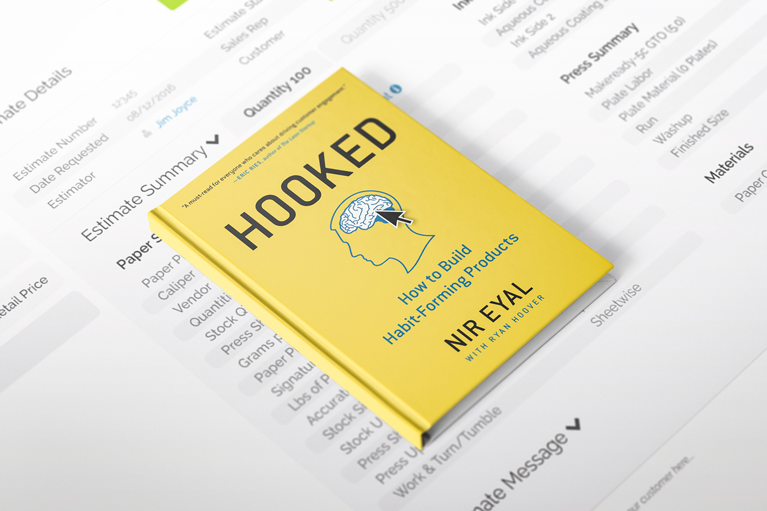
A few weeks ago at Graph Expo 2016, we presented the alpha release of “Odyssey,” the codename for the new Print Management Information System (Print MIS) designed to end printers’ double-entry dilemma. We thought, “If a print buyer is entering order information on a printer’s website, why does the printer have to re-enter it into their Print MIS?” Removing Steps to Eliminate Print MIS Double-Entry One of our biggest sources of inspiration for building Odyssey is a yellow book titled Hooked: How to Build Habit-Forming Products by Nir Eyal. In his book, Eyal refers to another book (Something Really New: Three Simple Steps to Creating Truly Innovative Products, by Denis J. Hauptly) when he says this: First, Hauptly states, understand the reason people use a product or service. Next, lay out the steps the customer must take to get the job done. Finally, once the series of tasks from intention to outcome is understood, simply start removing steps until you reach the simplest possible process. That’s it! Odyssey removes steps (the steps that are responsible for double-entry of order information) and helps you reach the simplest possible process by reducing six touchpoints in the order entry process down to two! The result? No more double entry in your Print
New Tech Tip Helps Your Customers Improve Their Images
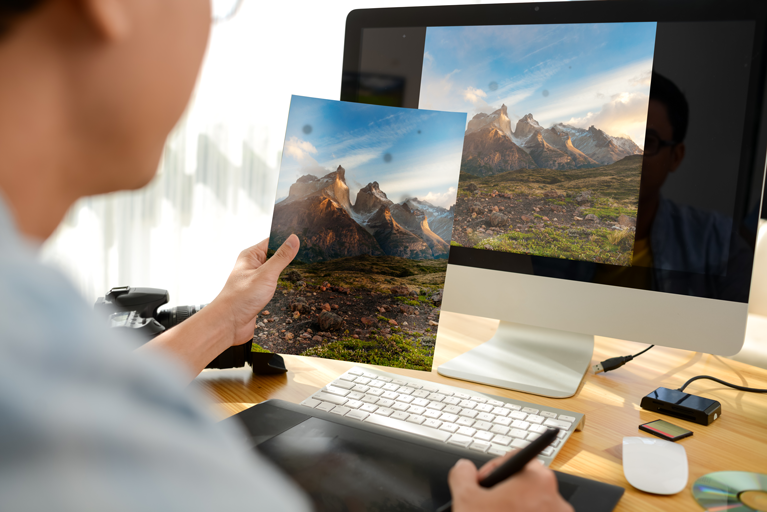
We’ve all been there. The photo that looked perfect when you took it looks a whole lot different when you’re ready to print it. And if you have been in that position, it’s not a big stretch to think that your customers have been in that position too. Now, armed with this new Tech Tip, you can restore faith in humanity and faith in photography! This newest Tech Tip, titled Spot, Heal, Clone: The Perfect Combination, now appears in the Ideas Collection on all websites provided by Marketing Ideas For Printers. With this tip, your website visitor will receive a good introduction to the power available in Photoshop’s Spot Healing Brush and Clone Stamp Tool. They’ll be digitally removing dirt and fixing cracks in walls in no time! Here’s how Spot, Heal, Clone: The Perfect Combination is presented on one of our public demo websites. If you feel like you’re missing out on great content like this, we invite you to experience it for yourself by requesting your own personal demo website. [sc name=”start demo button”]
New Design Tip: 5 Must-Haves in Every Layout
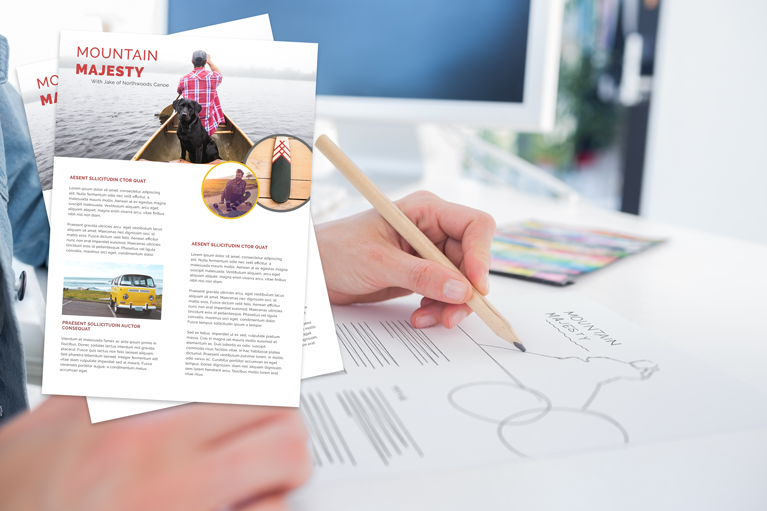
When you, as a printer, can help set up your print-buying customers for success, they’ll share their success with you! 5 Must-Haves in Every Layout has the kind of information your customers need to be successful in their design efforts. It is the newest Design Tip added to the Ideas Collection on the websites provided by Marketing Ideas For Printers. This tip explores five “must do” items that will help your customers create eye-catching design, including: Engage the Reader Guide the Reader’s Eye Find the Natural Focal Point Balance the Composition Go For a More Asymmetrical Design This informative tip article will help your customers create successful design by themselves, and will also keep you in the front of their minds if they have a need for more help. For printers using websites from Marketing Ideas For Printers, this new tip is found in the Design Tips section of the Ideas Collection. (Not using a website from Marketing Ideas For Printers? You can see the tip here on one of our demo websites.)
New Print MIS Reinvents Print Management and Ends the Double-Entry Dilemma
All-in-one Print MIS, Web-2-Print and Marketing solution changes the way printers do business. ORLANDO, FL, Sept. 25 – There was a time when taking print orders over the web meant re-entering that information into the Print MIS (management information system) and added time and errors to a printer’s day. Today, Marketing Ideas for Printers (MI4P) announced the alpha release of “Odyssey,” the codename for its new Print MIS designed to end printers’ double-entry dilemma. MI4P is previewing Odyssey at Graph Expo Sept. 25-28 in Orlando. “With Odyssey, we’re staying true to our mission to help printers sell more printing,” says Dave Hultin, President, MI4P. “Eliminating the double-entry headache that has plagued printers is important, but Odyssey will provide value all along the print buying cycle – before, during, and after the print order.” That’s because Odyssey is designed from the ground up to be more than “just” a print MIS. “With Odyssey, the website IS the print MIS,” Hultin says. “Entries made on the web form are automatically updated on the MIS side. If pricing or a schedule changes within the MIS side, the changes are automatically reflected for the print buyer.” In addition, Odyssey expands the scope of Print MIS
A Print MIS with Marketing Automation

How many customer lists are you currently maintaining? One of your most valuable customer lists is the one in your print management information system (Print MIS). After all, that’s where you’re keeping track of everyone that’s placing orders, and everyone that’s paying you for the privilege of doing business with you. That’s a pretty significant list! When do you add people to that list? Do you add them to your Print MIS before they order printing from you? No, because that’s when they’re on your prospecting list. However, that’s also a pretty significant list because, after all, that’s where your customers are coming from. Prospecting for Print Buyers How do you turn prospects into print buyers? It starts by building relationships. Think back even further. How do you build relationships? By telling your story and starting a conversation with your prospect. Consider this: If your goal is to turn your prospects into customers, and your customers are managed by your Print MIS, doesn’t it make sense for your Print MIS to manage the marketing campaigns that target those prospects (i.e. your soon-to-be customers!) right from the start? Shouldn’t your prospect list and your customer list be managed together, as one list? We think so, which is why
New Print Tip: 5 Rules for Readability with Type
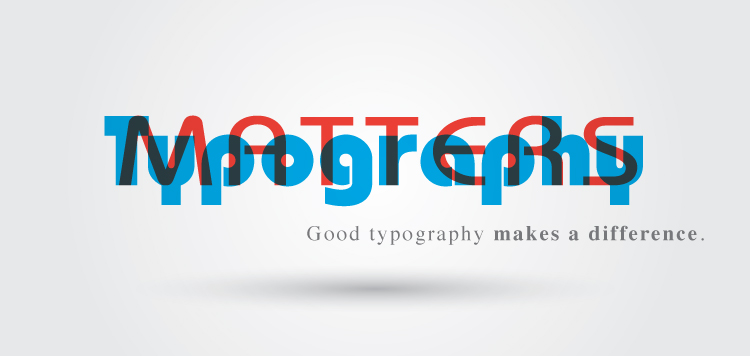
Typography is SO important! You know it, and now you can make sure your customers and website visitors know it, too! 5 Rules for Readability with Type is the newest tip added to the Ideas Collection on the websites provided by Marketing Ideas For Printers. The five rules presented in this tip include: Keep typography simple. Stay consistent. Use upper and lower case. Keep lines short and add white space. Use serifs. These rules are presented to your customer in a format that includes examples on why the rule is important, and how to implement each rule in practical, day-to-day usage. For printers using websites from Marketing Ideas For Printers, this new tip can be found in the Print Tips section of the Ideas Collection. (Not using a website from Marketing Ideas For Printers? You can see the tip here on one of our demo websites.)
The MI4P Process
This two-minute video will show you how we take you through Our Proven Process. No surprises; no bumps in the road!
It's worked for hundreds of printers just like you; it will work for you, too! Download the MI4P Proven Process PDF below, and follow along.
PDF: The MI4P ProcessSay Hello
"*" indicates required fields
Who We Are
What We Do
Marketing Ideas For Printers
5990 14th Street South
Fargo, ND 58104
(701) 241-9204 (800) 736-0688
© 2026 Marketing Ideas For Printers
Our Privacy Policy | Terms of Service