Sooner or later, every print shop owner has the same social media story. The shop’s page sits there with three months of nothing on it. The owner knows it. He has tried to fix it before. He hired a freelancer who posted generic content. He asked a CSR to “do social” on top of orders, proofs, and customer calls. Both attempts were dead within a quarter. He opens LinkedIn out of habit, sees a competitor’s post about a community sponsorship, and closes the tab before the bad feeling fully arrives.
If that story sounds familiar, here is the good news: getting started is not your problem. You have already proven you can post for a few weeks. What you have not proven is that your shop can keep posting while jobs are on press, estimates are due, and deliveries are going out the door, with content that does not look like generic social media.
Why AI Captions Won’t Fix a Dead Feed
The temptation here is to treat this as an AI problem and reach for the kind of generic AI advice you see everywhere. Ask AI to write you social media captions. Ask AI to generate a few content ideas for a printer. Ask AI to draft a LinkedIn post in a friendly tone.
That is AI with no plan behind it. It produces a stack of helpful-looking outputs that do not actually fit your shop, your customers, or how your team works. The captions read like AI-written captions. The content ideas read like a generic small-business content list. The LinkedIn draft sounds like every other LinkedIn draft. None of it is anchored in the actual work your shop is doing, in the questions your buyers actually ask, or in the voice your customers expect from you.
Putting AI to work for your shop starts differently. It starts with a clear question: what does my shop actually do, and who am I trying to reach? It produces post ideas anchored in your real work, written in language that sounds like you, organized around themes your shop can sustain over months. The output is not a stack of generic helpful things. It is a content plan built for your shop.
The difference between an AI tool and an AI workflow is the difference between a chat and a process.
One Prompt You Can Run Today
The better way starts with a prompt that asks you one good question before it gives you anything. Here is one you can run today:
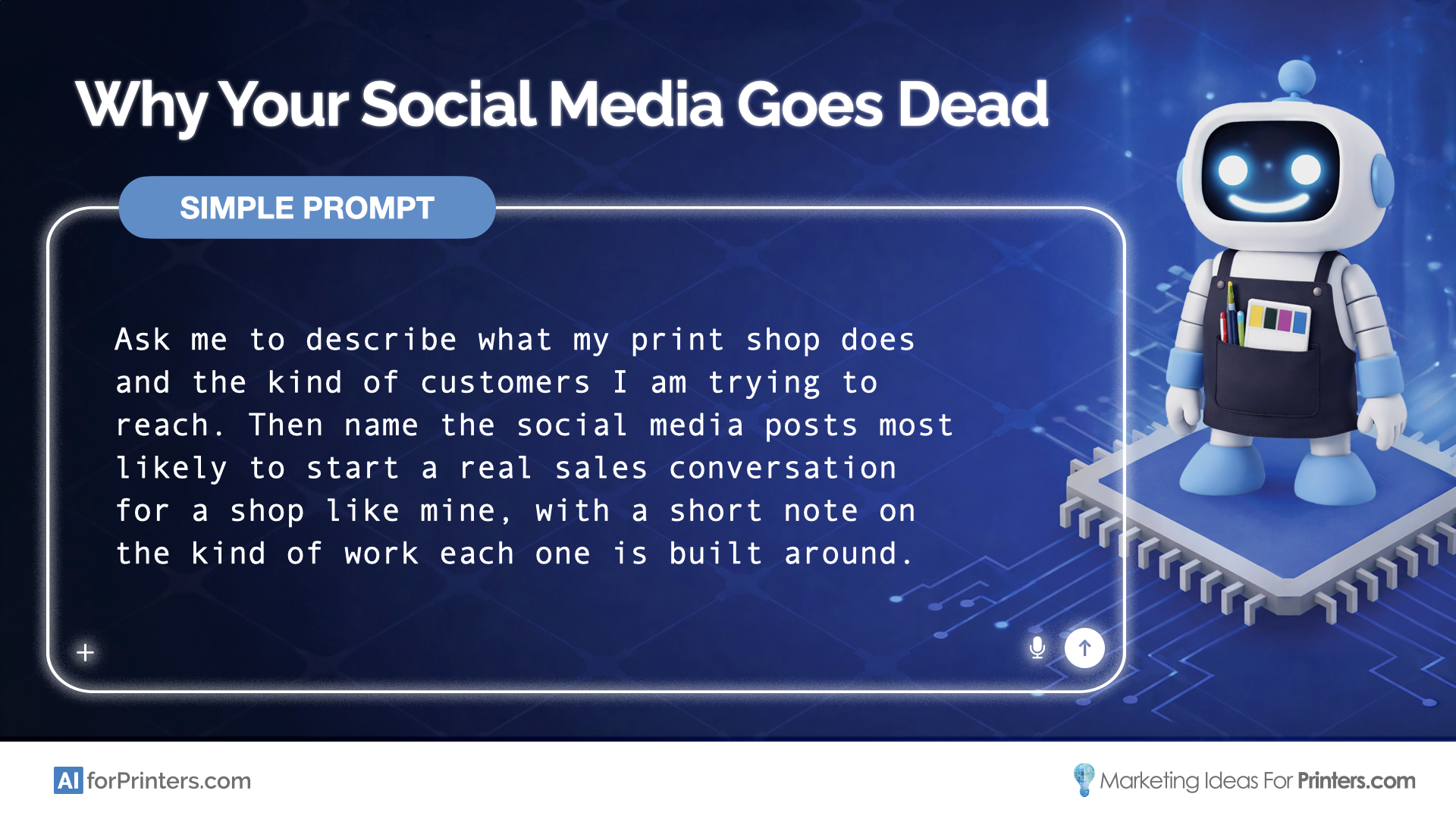
Ask me to describe what my print shop does and the kind of customers I am trying to reach. Then name the social media posts most likely to start a real sales conversation for a shop like mine, with a short note on the kind of work each one is built around.
You answer in your own words. The AI names three posts likely to start a real sales conversation for a shop like yours, each one anchored in work your shop already does.
That prompt is the start, and only the start. Three post ideas do not keep a feed alive; they show you what posting from your shop’s real work looks like, and they raise the real question: what would a full month of this be worth?
That is the job of the upgraded prompt. It turns those three post ideas into a complete 30-day content plan for your shop: a calendar in your voice, three recurring themes you can rotate every month, and a short list of metrics worth tracking. The next post is decided before you need it. A full AI workflow goes further still and maps the whole content engine end to end: strategy, themes, posting rhythm, production process, scheduling tools, and the KPIs you’ll review every month. It is the kind of content planning most shop owners would spend three or four weekends building right, if they could find the weekends.
What changes when there is a plan behind the AI is that the output stops being generic and starts being specific to your shop. The content ideas come from work your shop is already doing. The calendar fits the time your team can actually give it. The metrics tell you whether the social work is moving the business. None of it requires you to reinvent the plan every Monday morning.
That is what structure gets you. It is also what most printers cannot easily build alone, which is exactly what the next step is for.
Turn Three Post Ideas Into a 30-Day Plan
If your feed has gone dead again, run the prompt above. Read the three post ideas once, then read them again before you queue the first one.
Then use the form on this page to request the upgraded prompt. It arrives in your inbox and turns those three posts into a 30-day plan your shop can actually keep running. And when you are ready for the full content engine, the live AI for Printers Workshop on Thursday, June 25 walks through the complete workflow end to end. Live attendees get the full workflow at no cost, no weekends of building required.
Get the upgraded Social Media Content Calendar prompt — and watch the workshop recording
Enter your email below and you'll receive the upgraded prompt right away. You'll also get a link to the workshop recording, where we built the full AI Workflow around this prompt — so you can watch it whenever you're ready.