Promo Codes: Love ‘Em or Hate ‘Em?
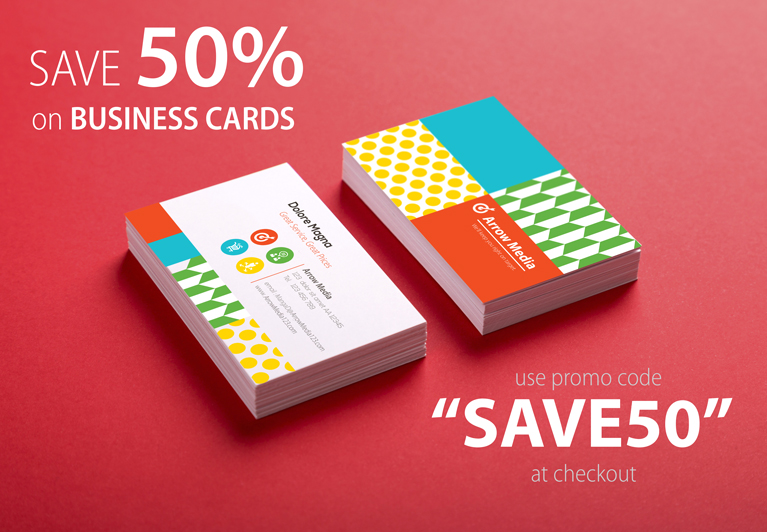
Have you ever shopped online and entered that cryptic code into the promo code box on the shopping cart screen? If so, then you know promo codes can be a great way to entice first-time shoppers to place their first order, or to reward repeat customers for their loyalty. On the flip side, a lot of printers would much rather have a bad rash then offer promo codes … why give up that precious margin? Which side of the promo code debate are you on? Big News for Fans of Promo Codes For those that are fans of promo codes, we have some great news for you! In the past, promo codes on a Websites For Printers website could be assigned to be used by companies, branches, or individuals, but not to product categories or individual products. So, if you were having a sale on, say, business cards, customers with the promo code may have been able to use that code even without any business cards in their shopping cart. We’re happy to announce that that has changed: promotional codes can now be designated to apply only to specific product categories, and even to specific products. With this update, if the customer
Our List of Greatest Treasures
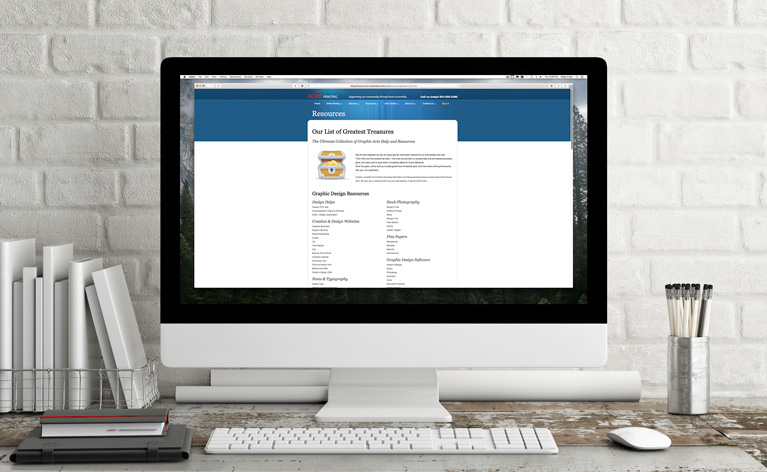
Every Websites For Printers website comes equipped with a fun and useful web page called Our List of Greatest Treasures. It’s a handy page your customers can use as a launchpad for many helpful websites. Here’s a sample of the Greatest Treasures page for our customers in the United States, and we have a Canadian version, too. Keeping the Content Fresh One of the signs of an amateur website is outdated content. That’s why we regularly review the content we provide to make sure it’s current and relevant. The Greatest Treasures page is checked each and every month to make sure the links presented are valid. Along with that monthly link check, the “treasures” themselves come up for review every January to make sure they are still, indeed, valuable. This year, we’re inviting you to be a part of the evaluation process. What treasures of your own would you like to add? What new links would you like to see added to that page? What would be helpful for your customers? Please send your suggestions our way by adding a comment below, or send a note to Rachel (our Content Manager) at Ra****@***********************rs.com. We may not “pilfer” every suggestion you send, but
You’ll Get Moderately Confused

Let’s get the play on words straight right from the start. Moderately Confused is a cartoon, and it’s been added to all Websites For Printers websites! Here are a few samples: Moderately Confused is described as: A whimsical, slice-of-life view into life’s fool-hardy moments. That pretty much nails it! You’ll find the Moderately Confused cartoon in the Fun@Work section of your website, which is promoted through the Printer@Work email newsletter. Here’s where you can view more Moderately Confused cartoons, on one of our Websites For Printers public demo websites. We love all the cartoons in Fun@Work; they provide fun, “sticky” content that always entertains website visitors! Keen eyes that visit Fun@Work will notice something missing: the cartoon Kit ‘n’ Caryle is no longer in the lineup because its creator, Larry Wright, has retired. In its place, we welcome Moderately Confused to our content lineup! You’ll love this stream of fresh comedic content, but there’s so much more. Did you know there are over 78 pages of content added to Websites For Printers website every single month? Check out the complete content lineup found on Websites For Printers websites.
Creating a Category of One

Only Marketing Ideas For Printers delivers always-fresh website content that’s fun, informative, and helpful to printers that want to sell more printing online. That sentence was created based on the template presented in the newest marketing tip added to the websites of Websites For Printers subscribers. The tip is called Creating a Category of One, and you can read it here, in the Ideas Collection of a Websites For Printers demo website. This is the kind of tip that makes it easy for your customers to buy printing from you. You provide them with helpful, sales-building information, and they’ll reward your expertise with printing orders. Everyone wins!
The Activity Log: When Emails Aren’t Enough

Lemons are no fun unless you can turn them into lemonade. We encountered a lemon recently when something indestructible, the email notification system in Websites For Printers websites, broke. Well, nothing in life is ever fully indestructible, but of everything out there, email notifications from our websites are about as close as you can get. Reliable is a term that could easily be associated with those email notifications. So much so, that many of our clients come to rely very heavily on those notifications – it’s the trigger that lets our website customers know something is happening on their website and it’s time to spring into action. On the rare occasion that there really is a hiccup in that system, the team here at Marketing Ideas For Printers makes sure that those notifications get back to normal as soon as possible. That lemon occurred on Monday, September 14th. The notifications stopped flowing from the servers, and our team sprang into action to alert our clients to that fact and recommend that they keep a close eye on their workflow page for any activity (new orders, approved proofs, etc.). While that approach works for the rare instances when it’s needed, it left us feeling that there
Get Paid with PayPal

Times have really changed. It used to be that PayPal lacked a certain credibility. It was often associated with homemade websites, and thought of as the Band-Aid way to get money from customers online when you couldn’t do it the “real” way. But PayPal is all grown up now, and while PayPal still fits its early niche as a payment option that can be easily adapted for sites (often in the business-to-consumer space) that need a quick e-commerce solution, it also has gained enough credibility to be used as a trusted business-to-business payment method as well. It’s from that backdrop that we can now say that PayPal is a supported payment option on Websites For Printers websites! If you’d like to offer PayPal as a payment method to your customers, here’s how you do it: Connect PayPal to Your Website You’ll first need to make sure your website is set up to use the Ecommerce Suite. Once that has been activated, all you need to do is follow these simple steps: If you haven’t already done so, set up an account at PayPal.com Once you have a PayPal account, go to your website’s Control Center and click “My Website” from
Let’s Meet at Graph Expo 2015!
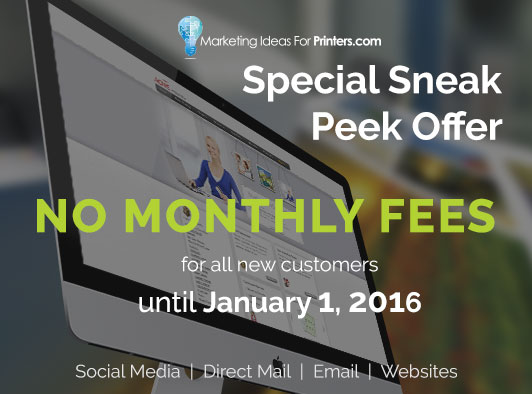
Graph Expo will be here before you know it … the show runs September 13-16, 2015, in Chicago’s McCormick Place Conference Center. We’ll be there in Booth 457, ready to visit with you. Plus, we can get you in the doors of McCormick Place for free! We have a limited number of free, exhibits-only passes for you (a $45 value), available until August 28, 2015. Marketing Ideas For Printers provides the websites, direct mail advertising, social media marketing, and email marketing technology that helps printers sell more printing. We can help you, too! Graph Expo Show Special Here’s a sneak peek at a show special we’ll be unveiling at Graph Expo. We’ll waive the monthly fee for new customers on all Marketing Ideas For Printers services until January 1, 2016! This show special starts when Graph Expo opens on September 13, 2015. At that time, we’ll waive monthly fees for the rest of the year for all new customers using The Buzz (Social Media Marketing), Ink Inc. (Direct Mail Marketing), ezMail (Email Marketing), and of course a website from Websites For Printers. You can get a head-start on the show special for the Websites For Printers website by starting your own personal Websites For Printers demo website right now!
The Digital Dialog Starts with Trust
When I first started talking about Building Sales With Your Digital Dialog, I discussed how the real version of you is complimented by the online version of you. When your customers opt to buy their printing from your website, is the online version of you as engaging as the real you? That’s certainly an important part of the Digital Dialog, but before that dialog can even start, you need to build trust. Without trust, your prospects and customers may not even start the online conversation. So, the million dollar question is: “How do you build trust online?” Beautiful Visual Design May I share a secret with you? There was a time in my life I thought beautiful website design was for the “other guys.” You know, big names like Apple, GMC, and Nike, to name just a few. As long as your website looked “acceptably” good, that’s all that mattered. After all, if you’re faced with the choice of making your website look great or work great, then “work great” wins, right? The truth is, you need both. You need a website that’s both functional and beautiful. It’s convenient to repeat the tired, old phrase, “You can’t judge a book by its cover.” Deep down, though, we all know that’s
An Auto-Fill Improvement for uDesignIt!
We have a small, yet powerful update for printers using uDesignIt! on Websites For Printers websites. Your customers can now have their physical address information auto-fill the form for document personalization. Business cards provide the perfect case study. Up to this point with uDesignIt!, the website has used your customer’s account information (name, phone number, email address, etc.) to pre-populate information in the document being personalized. A pre-populated order form with a preview of the finished document looks something like this: But, notice there’s something missing: the address information. The difficulty comes when your customer’s account contains multiple addresses. For example, they may have a work address and a home address associated with their account. Which address information should the website use to pre-populate the order form? Now, your customer can decide! Here’s what happens: If there’s only one address in the customer’s account, it’s pretty straightforward; the website uses that address. However, if there are multiple addresses associated with the customer’s account, the website will default to the last address used and allow the customer to select a different address. Here’s a short 30-second video that shows how it all comes together. It’s ridiculously simple for your customers to use, and the best part is, it’s
The MI4P Process
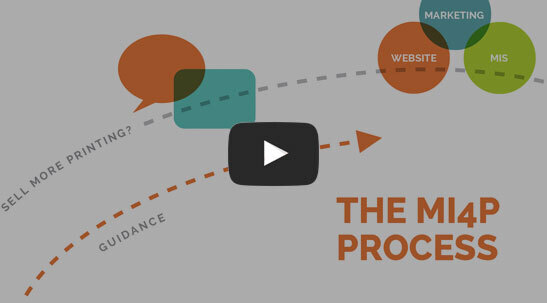
This two-minute video will show you how we take you through Our Proven Process. No surprises; no bumps in the road!
It's worked for hundreds of printers just like you; it will work for you, too! Download the MI4P Proven Process PDF below, and follow along.
PDF: The MI4P ProcessSay Hello
"*" indicates required fields
Who We Are
What We Do
Marketing Ideas For Printers
5990 14th Street South
Fargo, ND 58104
(701) 241-9204 (800) 736-0688
© 2026 Marketing Ideas For Printers
Our Privacy Policy | Terms of Service