Websites For Printers: 7 Best Practices for Website Design
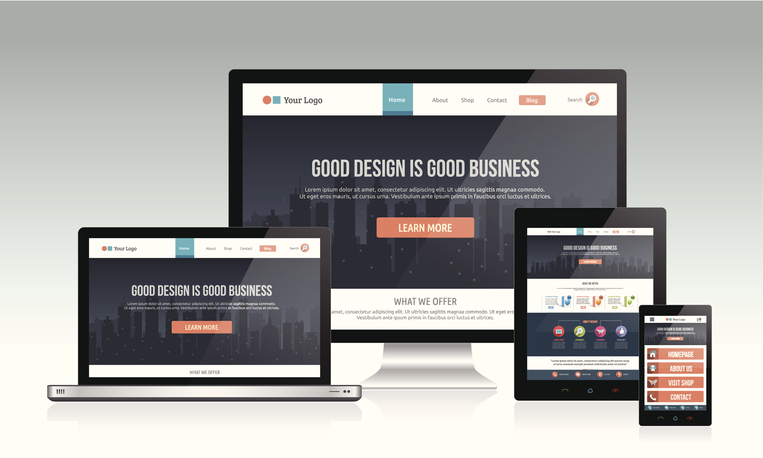
Good website design for your print company could mean the difference between getting an online order and being passed over for a competitor. But why? Isn’t a good website design like art? Isn’t it relative and dependent on the eye of the beholder? Not exactly. Your website design has to accomplish three critical things: Your website design should create a great, easy-to-use user experience. Your website design should translate competency. In other words, a good website design = a competent print business. Your website design should help to create trust in your print buyer. Here are seven best practices you can follow in your website design to help you get there: 1. Color Harmony While it’s true that you can print any color in the rainbow, it’s not necessarily a good idea to use them all on your website. Sensory overload can backfire and send people running to a more professional-looking printer. Let photo graphics provide the ‘full-color’ on your website, and keep your color palette simple and inspiring. “Good design is good business.” – Thomas Watson, Jr. 2. Let Them Scroll There’s no need to pack everything into the top portion of your website anymore. Times have changed. Remember,
SEO For Printers: SEO By the Book
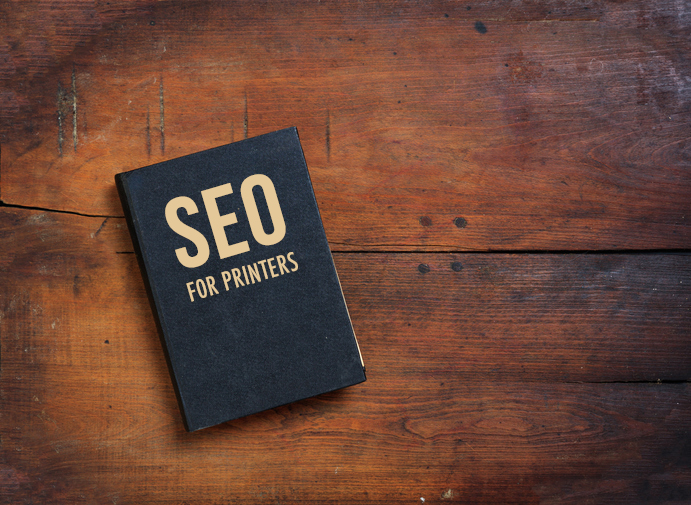
It seems a day rarely goes by without our team here at Marketing Ideas For Printers fielding Search Engine Optimization (SEO) questions from our customers and prospects. I recently found myself answering one of those questions with one of our newest customers and found myself remembering the advice of Sal, the SEO Expert. Sal offered good advice almost two years ago, and it’s still relevant today. So, I thought it time to reintroduce you to Sal’s tips and expand on Sal’s recommendation to approach your website’s SEO strategy the same way you approach a book. It All Starts with the Title When you enter a bookstore, whether the physical or virtual version, what do you notice first? Of course, it’s the book covers, and the same is true with search engines. That’s because the title is what appears in your website’s home page tab or window bar, and it’s the equivalent of a book’s title. Books are known by their titles, so it’s essential to ask yourself: How do you want your website to be known? How do you want to be known to the search engines? Then, make sure the answer to those questions reflects in your website’s title.
Websites For Printers: 5 Tips to Market Your Print Website

You’ve updated your website, and now you’re ready to sit back and watch the sales roll in! But there’s a problem. Your website is impressive, but the masses aren’t flocking to it as you had hoped. And, when they do go there, it seems like they’re only looking around and not ordering. What’s the deal? If you’re struggling to get the kind of traffic to your website that you were hoping for, below are five tips to help you market it successfully and get the results you want. 1. Change your mindset The best thing you can do to get people to your website is to retrain your brain on how to get them there. Putting up a fancy-pants website doesn’t mean your print buyers will instantly flock to it. That’s sort of like putting a basket of clean laundry in front of some teenagers and assuming they’ll fold clothes. (Sigh.) So, if you’ve spent the last decade or more training prospects and customers to call you to order their printing or to email you directly, it’s going to take some effort to retrain them to go to your website. With “gazelle intensity,” as Dave Ramsey says, retrain your brain
Now Are You Defending Your Digital Castle?

A few weeks ago, we brought in Kris Rivenburgh, an attorney, website accessibility consultant, and the author of The ADA Book to help printers understand the challenges they may face with website accessibility and compliance issues based on the Americans with Disabilities Act (ADA). After I met Kris, it quickly became my opinion that this would be one of the most important webinars we’ve ever presented. After the webinar, I learned that I wasn’t alone in this opinion when I received this feedback from Danny (one of the attendees): Thank you, Dave, for providing this information. When I first read the email [about the Defend Your Digital Castle webinar you were promoting], I was pretty dubious. After we spoke on the phone, I thought it might be worthwhile. Now I understand how valuable this could possibly be. Danny’s first impression of the webinar (based on the email he received) was that we were trying to use a scare tactic to encourage people to attend this webinar. I assured him this wasn’t the case, and that this was an incredible learning opportunity. Danny attended the webinar, and after the fact, Danny agreed! But, I’m getting ahead of myself. Let’s go back
You’re Never Alone When it Comes to Selling Printing

None of the world’s greatest achievements were accomplished by people working alone. From Neil Armstrong to Martin Luther King to any president this country has ever had, they’ve all relied on the help and assistance of an entire team to accomplish their goals. And there’s wisdom in that. We are stronger together. We are better together. As Helen Keller once said, “Alone we can do so little; together we can do so much.” This same idea applies to raising a family, helping a friend through a difficult time, and running a small business. When you need help growing your print business, don’t go it alone. Take advantage of the team of resources you have to help you accomplish your mission. Sell More Printing with MI4P! One of those resources is the monthly webinar series: Sell More Printing with MI4P! This educational, and information-only webinar features our Marketing Director, Rachel Nies, and is designed to give you tips, ideas, and inspiration to help you sell more printing and grow your business. Here are a few highlights: How to Drive Traffic to Your Website Have a great website that you’re struggling to get people to see? Explore some tips to help drive
ADA Website Accessibility and Compliance: Defending Your Digital Castle

Imagine your typical day. You arrive at work, ready to conquer the world, but then the mail arrives, and you get “the letter.” It’s a demand letter from a law firm, alerting you to legal action being taken against you based on the Americans with Disabilities Act (ADA). ADA compliance challenges have historically focused on brick-and-mortar properties. Attorneys would issue the challenge after making an on-site visit to the property to find and identify the basis for a potential challenge. But, everything’s changed with the internet. Now, these attorneys don’t even need to make a physical visit to your property to issue their challenge; all they need to do is drive by on Google Streetwise to look for potential violations to challenge. The internet also changed what can get challenged. Attorneys are now not only challenging physical properties, but they’re challenging digital properties as well. That’s what led to this simple email we received from Dan: Several businesses in our area are getting threatened with ADA lawsuits because their websites are not ADA compliant. Is our website compliant? Defend Your Digital Castle Dan explained the rash of ADA website compliance checks that have hit businesses in his area over the last
How White Papers Help You Sell More Printing
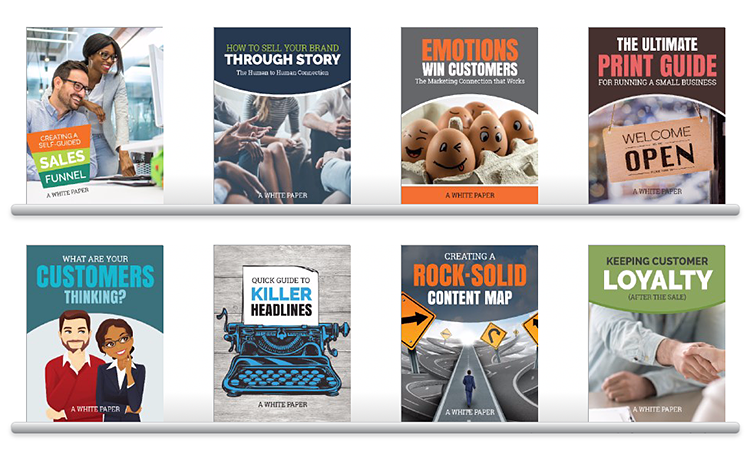
All printers want to sell more printing, but many tend to overlook the impact that white papers have on reaching that goal. What are White Papers? A white paper is an “authoritative report or guide meant to help readers understand an issue, solve a problem, or make a decision”. They provide an in-depth study on a specific topic. What’s great about providing your print buyers with white paper content is YOU are the authority in that definition, and you’re using that authority to help your audience solve their sales or marketing problems using print. The Benefits of White Papers for Printing and Marketing Companies Along with addressing or solving a problem for the reader (which is a benefit in and of itself), white papers offer many other benefits as well. White papers help generate leads. White papers help you be seen as an industry thought leader. White papers are typically geared towards a B2B focus, building powerful corporate relationships that help shore up your bottom line. White papers give you an edge over the competition when used as a valuable resource to your print buyers. White papers help influence the buying decisions of your print buyers. A 2015 Eccolo Media
Why Printers Should Stop Editing PDFs in Adobe Illustrator
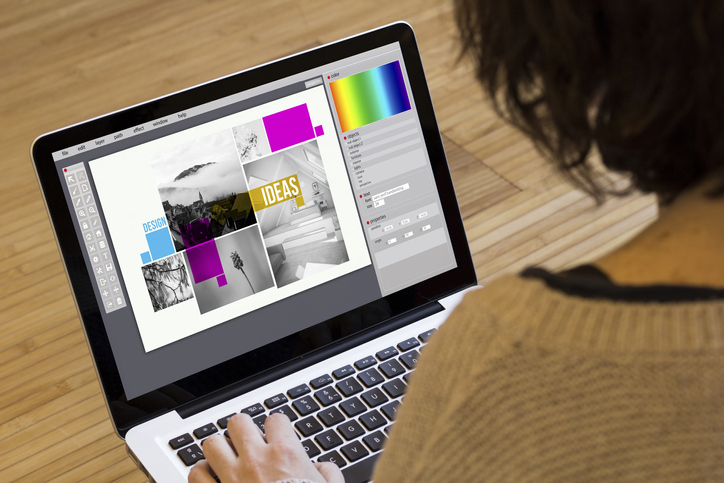
You’ve probably heard the expression, “Just because you can do something doesn’t mean you should.” For example: You can put a water hose in your car’s gas tank, but you probably shouldn’t. You can use the same password for all of your internet accounts, but you probably shouldn’t. You can use Adobe Illustrator to edit PDF files, but you probably shouldn’t. “Yep, uh-huh, wait… what? Why shouldn’t I use Adobe Illustrator to edit our PDF files?” Why Adobe Illustrator isn’t an Ideal PDF Editor Not too long ago, an update was applied to the engine that powers uDesignIt!, an MI4P website add-on that allows print buyers to personalize documents on printers’ websites. The update came with all the “normal” update stuff you’d expect, such as better performance, enhancements, etc. It also took care of some housekeeping items on the way PDFs are produced. The only downside of the update is that it caused the PDFs that are created as a result of using uDesignIt! to be less friendly when edited in Adobe Illustrator. The Real Question (And Answer) If you’re asking: “Less friendly? Does this mean I can’t use Adobe Illustrator to edit PDFs created by uDesignIT! any longer?”, the
Your Print Website Won’t Survive Without This One Thing

As the Marketing Director here at Marketing Ideas For Printers (MI4P), there’s one question I get asked a lot: How do I get more traffic to my website? It’s a valid question. With numbers like 1,630,322,579 websites created in 2018 alone, it makes sense that printers would be asking how to make their website unique. Sometimes that question is followed up with an additional question similar to, “Rachel, could you take a look at my website and see what could be improved upon?” Recently, a prospect asked me that very thing, and I agreed to offer any insight I may have on their website. While the geeks at MI4P can look at a website and tell you how everything’s working from a technical perspective, I tend to look at websites from a human perspective (like your prospects and customers!) What I found when reviewing their website was a key component was missing. A key piece so critical that I had to write about it here to make you all aware of it. The Good First, let’s start with the good things I found. This printer’s website was well-designed, informative, and for the most part, easy to navigate. You could tell
SEO For Printers: The Ultimate SEO Cheatsheet

Search Engine Optimization (SEO) isn’t as scary as you might think. In a nutshell, SEO is simply the process or steps you can take to make your website rank higher in the search results. The ultimate goal is to make it easy for website visitors to find answers to their questions and make it easy for search engines to find those answers for your visitors through the content on your website. The following guide will walk you through how the websites provided by Marketing Ideas For Printers (MI4P) have already been built on a solid SEO foundation. If you’re looking to bump up what’s already there, keep reading, and you’ll discover some additional tips on how you can take your SEO to the next level. How Your MI4P Website is Positioned for SEO Success Your MI4P Website is Responsive Because a responsive website is compatible with all devices, whether it’s a desktop, mobile phone, or tablet, having a responsive website means you have a website search engine’s love and [BONUS!] you avoid Google’s Non-Responsive Website Penalty. Your MI4P Website is Properly Formatted All of the content on your website is formatted to include Heading tags (or H tags), skim layers, and
The MI4P Process
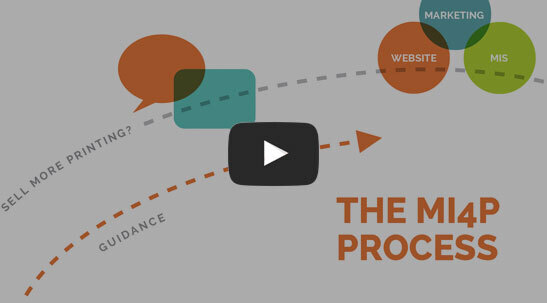
This two-minute video will show you how we take you through Our Proven Process. No surprises; no bumps in the road!
It's worked for hundreds of printers just like you; it will work for you, too! Download the MI4P Proven Process PDF below, and follow along.
PDF: The MI4P ProcessSay Hello
"*" indicates required fields
Who We Are
What We Do
Marketing Ideas For Printers
5990 14th Street South
Fargo, ND 58104
(701) 241-9204 (800) 736-0688
© 2026 Marketing Ideas For Printers
Our Privacy Policy | Terms of Service